Find the HTML source
Identify the final string passed to setContent(). Keep data loading, authorization and template rendering in Node.js.
Already using setContent() and page.pdf()? Send that HTML through the BladePDF Node.js SDK and receive a PDF from hosted Chromium. Your deployment needs Node.js 22+, an API key and outbound HTTPS; BladePDF runs the browser.
import { BladePdf } from '@bladepdf/node';

const bladePdf = new BladePdf({
  apiKey: process.env.BLADEPDF_API_KEY!,
});

await bladePdf
  .fromHtml(html)
  .format('A4')
  .printBackground()
.renderToFile('invoice.pdf');An invoice endpoint that renders EJS or React to HTML is a straightforward candidate. The template stays in your application; the SDK submits its output and your PDF options to BladePDF.
A script that logs into a website, clicks through a dashboard and prints the result needs a different assessment. BladePDF does not expose Puppeteer's page-automation API. Keep that workflow in Puppeteer, or first make the application produce the final HTML directly.
Identify the final string passed to setContent(). Keep data loading, authorization and template rendering in Node.js.
A remote browser cannot reach your app's localhost. Attach local CSS, images and fonts from configured roots, or use URLs the service can reach.
Check page breaks, font weights, backgrounds and repeated headers with your longest document. Chromium versions and installed fonts can affect layout.
Both examples read invoice.html from the working directory and save invoice.pdf. Install puppeteer for the first, or @bladepdf/node for the second, and run the saved .mjs file with Node.js.
import { readFile } from 'node:fs/promises';
import puppeteer from 'puppeteer';

const html = await readFile('invoice.html', 'utf8');
const browser = await puppeteer.launch();

try {
  const page = await browser.newPage();
  await page.setContent(html, {
    waitUntil: 'networkidle0',
  });
  await page.pdf({
    path: 'invoice.pdf',
    format: 'A4',
    printBackground: true,
  });
} finally {
  await browser.close();
}import { readFile } from 'node:fs/promises';
import { BladePdf } from '@bladepdf/node';
const apiKey = process.env.BLADEPDF_API_KEY;
if (!apiKey) throw new Error('Missing API key');
const html = await readFile('invoice.html', 'utf8');
const bladePdf = new BladePdf({ apiKey });
await bladePdf
.fromHtml(html)
.format('A4')
.printBackground()
.waitUntil('networkidle0')
.waitForFonts()
.renderToFile('invoice.pdf');Copying the HTML is only the first step. These settings have direct equivalents; browser automation and network access require separate decisions.
| Puppeteer | BladePDF Node SDK | Migration check |
|---|---|---|
page.setContent(html) |
fromHtml(html) |
Render the template locally before calling either API. |
format: 'A4', printBackground: true |
format('A4').printBackground() |
Compare output with the same print stylesheet and fonts. |
margin: { top: '15mm', ... } |
margins({ top: 15, right: 12, bottom: 15, left: 12, unit: 'mm' }) |
Supply all four values. Check for competing @page CSS rules. |
page.emulateMediaType('screen') |
emulateMedia('screen') |
Use print media for documents designed with @media print. |
page.waitForFunction(expression) |
waitForFunction(expression) |
Keep a document-specific completion signal for charts or other asynchronous content. |
headerTemplate / footerTemplate |
headerHtml(...) / footerHtml(...) |
Supply styles within the fragments and leave enough room in the page margins. |
page.pdf({ path: 'invoice.pdf' }) |
renderToFile('invoice.pdf') |
For an HTTP download, use renderStream() instead of writing a temporary file. |
page.goto(), clicks, interceptors, CDP |
No direct equivalent |
Keep Puppeteer for those operations or change the application to supply final HTML and assets. |
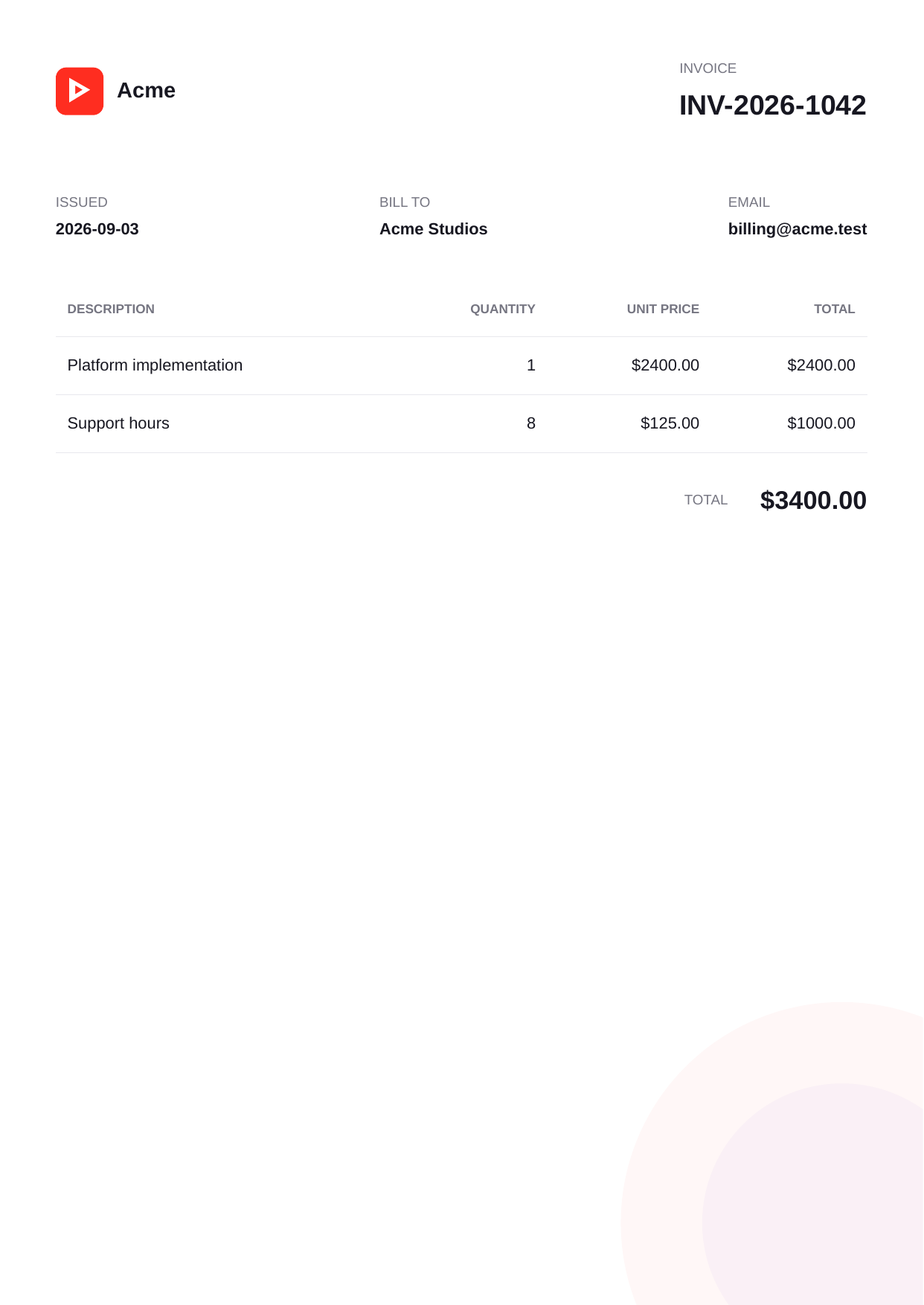
The Node.js tutorial includes the full template, local CSS and SVG files, a package lock, and the PDF generated through the SDK. Use it to check the request and asset flow before adapting your own document.
Both use Chromium, but matching HTML does not guarantee identical pagination across browser versions or font installations. Check output as well as the responsibilities below.
| Capability | Self-hosted Puppeteer | BladePDF Node SDK |
|---|---|---|
| Runtime | Node.js, Puppeteer, compatible Chrome, OS libraries, fonts, and writable runtime directories | Node.js 22+ and the zero-runtime-dependency SDK; Chromium runs in BladePDF |
| Browser API | General page automation and Chrome DevTools Protocol access | Focused HTML-to-PDF options, readiness controls, assets, storage, and delivery |
| Concurrency | Build a queue, cap pages, size memory, apply back pressure, and recover browser processes | Use plan concurrency; excess short bursts can wait in the managed render queue |
| Serverless | Package a compatible Chromium build and account for cold starts, bundle size, memory, and temp space | Deploy the SDK and make an outbound API request; no browser binary in the function |
| Local assets | Embed them, expose reachable URLs, or make the browser filesystem boundary explicit | Attach referenced files from approved roots and rewrite their document references |
| Security | Own the sandbox, egress, request interception, debugging endpoints, and untrusted HTML policy | Use a constrained PDF API; BladePDF operates the isolated browser environment |
| Data boundary | HTML and assets can remain fully inside your infrastructure | HTML and attached assets are processed by the BladePDF service |
| Cost model | Your compute plus engineering and operations time | Hosted service plan based primarily on rendering capacity |
This comparison covers HTML-to-PDF generation. Keep your own authorization, input validation, job records and failure handling around the SDK call.
Install @bladepdf/node, configure a server-side API key, and render the first PDF.
Configure local asset roots, transport timeouts, retries, custom fetch, and dependency injection.
Explore sources, PDF options, delivery methods, errors, background jobs, and webhook helpers.
Read the engineering guide to browser reuse, concurrency, memory, serverless deployment, and security.
Read the guide →See the complete official SDK surface for HTML, local assets, streams, files, and background renders.
Read the guide →Generate PDFs from Express, Fastify, Next.js, React SSR, EJS, or your existing template engine.
Read the guide →fromHtml(). BladePDF does not replace your template engine.renderStream() for a one-shot Node.js Readable, render() for a Buffer result, renderToFile() for atomic file output, or storePdf().submit() for a background render.documentRoot and searchRoots values and the SDK can attach referenced local files to the request. External URLs remain external and must be reachable by the renderer.Use the free plan to compare your document's layout, asset handling and end-to-end response time before moving the rest of the workload.
npm install @bladepdf/node