Puppeteer PDF in Production: Chromium, Memory, Concurrency and Serverless
Fix the failures that appear after the first Puppeteer PDF works: too many active pages, leaked contexts, browser disconnects and missing assets. Includes a tested concurrency gate and a deployment checklist.


On this page
If page.pdf() works for one invoice but your worker fails during a batch, start with admission and cleanup: how many documents can open a page at once, and what closes those pages when something fails? Increasing the Node.js heap limit will not fix a separate Chromium process running out of memory.
This guide builds a Puppeteer worker around one reused browser, a context per document and a bounded render gate. It then covers failures that require a different fix: missing binaries in a deployment, unreachable images, fonts that have not loaded, and a browser that disconnects mid-job.
I develop BladePDF, a hosted PDF renderer. The examples here are for running Puppeteer yourself. The concurrency gate has a downloadable regression test; the capacity figures come from our separate Laravel benchmark, whose PHP wrapper makes them useful architectural evidence, not Node.js performance predictions. The Docker and serverless sections explain deployment checks rather than claim a tested image for every platform.
Start with the failure you can observe#
| What you see | First thing to inspect | Likely next step |
|---|---|---|
| One PDF succeeds; a batch kills the container | Container memory and active contexts at the time of failure | Cap active renders and hold excess work in a queue. |
Target closed or a disconnected browser |
Whether application cleanup ran, the process exited, or the host recorded an OOM kill | Establish why the browser disappeared before retrying. The message alone is not a diagnosis. |
Could not find Chrome after deploy |
Browser executable path and whether the install cache reached the runtime image | Package a compatible browser or set the intended executable explicitly. |
| A PDF has the right text but missing images | Failed network requests and root-relative asset URLs | Make assets reachable from the browser’s origin or embed them. |
| Fonts or charts appear intermittently | Font availability and the template’s completion signal | Wait for the specific dependency with a finite timeout. |
| Memory keeps rising between jobs | Context/page count after each job and browser process memory | Close job-owned contexts; recycle browsers when measured thresholds require it. |
The following implementation targets a long-lived worker rendering application-controlled HTML. Browser reuse is optional for occasional one-off jobs, and a context is not a sandbox for hostile HTML.
What Puppeteer PDF generation actually starts#
The happy-path API looks like one JavaScript operation:
import puppeteer from 'puppeteer';

const browser = await puppeteer.launch();

try {
  const page = await browser.newPage();

  await page.setContent(html, {
    waitUntil: 'networkidle0',
  });

  await page.pdf({
    path: 'invoice.pdf',
    format: 'A4',
    printBackground: true,
  });
} finally {
  await browser.close();
}
Installing puppeteer downloads a compatible Chrome for Testing and a headless shell by default. puppeteer-core does not download a browser; use it when your platform supplies Chrome or when you connect to a remote browser, and provide an executable or channel explicitly.
At runtime, the control path is larger than the JavaScript snippet suggests:
That browser needs an executable, compatible shared libraries, fonts, a writable profile and temporary directory, permission to create child processes, a sandbox strategy, CPU, memory, file descriptors and time to finish. page.pdf() is the final operation in a small browser platform.
puppeteer.launch() is a deployment decision#
Launching Chrome for every document is a reasonable starting point. Each job gets a clean browser and cleanup is easy to understand. The cost is repeated process startup, profile initialization and font discovery.
Reusing one browser avoids that repeated startup, but it moves responsibility into your application: failed pages must be closed, state must be isolated, disconnected browsers must be replaced, and long-lived processes need a recycling policy.
Launch → render → close
Simple ownership and clean state, with browser startup paid for every document.
Launch → isolate many → recycle
Lower startup overhead, but health, isolation, cleanup and capacity become application concerns.
Do not choose reuse because a benchmark says it is always faster. Measure your documents and deployment. A short receipt rendered occasionally may not justify a pool. A worker producing thousands of reports usually should not launch a completely new browser for every row.
Reuse one browser, isolate each PDF#
Puppeteer’s BrowserContext provides isolated cookies and cache. Closing a context closes its pages, which makes one context per render job a useful ownership boundary.
import puppeteer from 'puppeteer';

let browserPromise;

export async function getBrowser() {
  if (!browserPromise) {
    const launch = puppeteer.launch({
      headless: true,
    });
    browserPromise = launch;

    // A callback from an older browser must not discard a replacement.
    const invalidate = () => {
      if (browserPromise === launch) browserPromise = undefined;
    };

    launch
      .then((browser) => {
        browser.once('disconnected', invalidate);
      })
      .catch(invalidate);
  }

  const launch = browserPromise;
  const browser = await launch;

  if (!browser.connected) {
    if (browserPromise === launch) browserPromise = undefined;
    throw new Error('Chromium disconnected before the render started');
  }

  return browser;
}
Concurrent callers share the launch promise. The identity check prevents an old browser’s delayed disconnect callback from invalidating its replacement. A failed launch is returned to the job; the next attempt can create a browser. Apply retry limits in the queue instead of recursively relaunching forever.
The render owns a context and closes it even when navigation, JavaScript or PDF creation fails:
import { getBrowser } from './browser-runtime.mjs';

export async function renderPdf(html) {
  const browser = await getBrowser();
  const context = await browser.createBrowserContext();

  try {
    const page = await context.newPage();

    await page.setContent(html, {
      waitUntil: 'networkidle0',
      timeout: 20_000,
    });

    return await page.pdf({
      format: 'A4',
      printBackground: true,
      preferCSSPageSize: true,
      timeout: 20_000,
    });
  } finally {
    await context.close().catch(() => {});
  }
}
A context is a state-isolation boundary, not a memory quota or security sandbox. Documents still share the browser process and host resources. If you render untrusted documents or need stronger tenant isolation, use separate browser processes, containers or a rendering service rather than assuming a context contains every failure.
Pages, contexts and Chromium memory#
Chrome uses multiple processes. The browser coordinates renderer, network and utility processes, and the exact tree changes with document content, site isolation, Chrome version and flags.
process.memoryUsage() reports the Node.js process. It does not describe the complete Chrome process tree. page.metrics() exposes useful page-level counters, but it is not a replacement for measuring container or host capacity.
For production sizing, record at least:
- total container memory and browser process-tree RSS, alongside V8 heap;
- active pages and contexts;
- successful PDFs per second and render duration percentiles;
- browser launches, disconnects, restarts and failed jobs;
- queue depth and oldest-job age;
- OOM kills, process count, open file descriptors and temporary disk use;
- document family, page count and output size—without logging sensitive HTML.
Do not publish a universal “Puppeteer uses X MB per PDF” value. Renderers share browser resources, documents vary enormously, and concurrent work changes the boundary. Capacity-test your heaviest representative invoice, report and certificate on the same CPU and memory limits used in production.
Concurrency needs a gate, not Promise.all()#
Browser reuse and browser concurrency are separate decisions. One browser can serve several pages, but Promise.all(invoices.map(renderPdf)) admits the entire batch immediately. A burst of 500 jobs can create hundreds of contexts before the first PDF finishes.
Use a queue or semaphore in front of the browser. This example permits four active render functions and up to 100 waiting tasks inside one process. It rejects new work once that queue is full, so callers must handle overload:
export class RenderPool {
  #limit;
  #maxWaiting;
  #active = 0;
  #waiting = [];

  constructor(limit, maxWaiting = 100) {
    if (!Number.isInteger(limit) || limit < 1) {
      throw new TypeError('limit must be a positive integer');
    }
    if (!Number.isInteger(maxWaiting) || maxWaiting < 0) {
      throw new TypeError('maxWaiting must be a non-negative integer');
    }

    this.#limit = limit;
    this.#maxWaiting = maxWaiting;
  }

  async run(task) {
    if (this.#active < this.#limit) {
      this.#active += 1;
    } else {
      if (this.#waiting.length >= this.#maxWaiting) {
        throw new Error('PDF render queue is full');
      }
      await new Promise((resolve) => this.#waiting.push(resolve));
    }

    try {
      return await task();
    } finally {
      const next = this.#waiting.shift();
      if (next) {
        next(); // Transfer this occupied slot directly to the next task.
      } else {
        this.#active -= 1;
      }
    }
  }
}

export const pdfPool = new RenderPool(4);
The slot transfer in finally matters. Decrementing the active count before waking a waiter briefly advertises a free slot. A new arrival can take it before the waiter resumes, exceeding the limit. The regression test exercises that handoff, checks the queue bound, and confirms failed jobs release capacity. Save it beside render-pool.mjs and run node --test render-pool.test.mjs.
For a batch that fits the waiting limit:
import { pdfPool } from './render-pool.mjs';
import { renderPdf } from './render-in-context.mjs';

const results = await Promise.all(
  invoices.map((invoice) =>
    pdfPool.run(() => renderPdf(renderInvoice(invoice))),
  ),
);
The value 4 is an example, not a recommendation. Increase the limit in steps and stop when throughput flattens or p95 latency, RSS and failures rise disproportionately. If you run five application instances, a local limit of four permits twenty simultaneous renders; capacity is the product of every replica, worker and browser pool.
For large batches, do not keep thousands of unresolved promises in memory. Pull jobs from a durable queue only when the local gate has room, acknowledge after the PDF reaches durable storage, and let queue depth provide back pressure.
What browser reuse changed in our benchmark#
The public performance CSV includes the same modern-invoice fixture through Browsershot with a fresh browser and with a persistent browser. These are 100-document, portable-asset runs from the Laravel harness:
| Browser lifecycle | Concurrent jobs | Successful PDFs/s | p95 end-to-end latency |
|---|---|---|---|
| Fresh browser per render | 5 | 10.09 | 526 ms |
| Fresh browser per render | 10 | 11.47 | 953 ms |
| Persistent browser | 5 | 12.68 | 418 ms |
| Persistent browser | 10 | 14.32 | 793 ms |
For the fresh-browser path, doubling concurrency from 5 to 10 added about 14% throughput while p95 rose about 81%. Reuse helped this fixture, but it did not make throughput scale linearly either. That is the reason to measure saturation before adding workers. These values include Browsershot and PHP overhead and are not a benchmark of the JavaScript snippets above; the benchmark article describes the environment and measurement boundaries.
A queue solves delivery, not browser capacity#
A production queue is still the right place for long reports, exports, emails and batch PDFs. It makes retries visible, separates web latency from rendering, and allows PDF workers to use different resource limits.
The queue does not create RAM or CPU. Twenty consumers can launch twenty browsers just as easily as twenty HTTP requests. Configure a global or per-instance capacity limit, keep job timeout longer than the browser operation timeout, and make the output key idempotent so a retry cannot create conflicting records.
A useful retry policy distinguishes failures:
| Failure | Retry? | Response |
|---|---|---|
| Chromium disconnected or renderer crashed | Usually | Replace or recycle the browser; retry with backoff |
| Temporary remote asset timeout | Sometimes | Retry, then remove or cache the remote dependency |
| Deterministic template/JavaScript error | No | Record the document reference and fix the template |
| Host out of memory | Not immediately | Reduce admission, restore capacity, then retry |
| Missing binary, library or font | No | Fail a deployment health check before taking jobs |
Recover from crashes, hangs and slow leaks#
A long-lived browser will eventually encounter a document or environment failure. Design for replacement instead of trying to make one process immortal.
- Listen for the browser
disconnectedevent and invalidate the shared reference. - Put a finite timeout around navigation, readiness and the complete job.
- Always close the job context in
finally. - Recycle the browser after a measured job count, age, RSS threshold or suspicious failure—not on an arbitrary interval alone.
- Retry only idempotent work, with bounded attempts and backoff.
- Stop admitting new pages before graceful worker shutdown, then allow active contexts to finish within a deadline.
- Run a readiness check that launches or connects to Chrome and renders a representative one-page PDF after every deployment.
If a timeout rejects your application promise but leaves a page running, the workload has not actually stopped. Ensure cancellation closes the context or kills and replaces the browser when it cannot prove the job is gone.
Fonts, images and print CSS are part of the render#
page.setContent(html) does not invent a public origin for root-relative URLs such as /images/logo.svg. Make every asset resolvable from the browser’s real boundary:
- use absolute HTTPS URLs reachable from the browser;
- serve assets from an authenticated or short-lived internal endpoint;
- embed small assets as data URLs;
- or intercept requests and respond from an approved local asset map.
Avoid giving arbitrary document HTML unrestricted file:// access. It makes a convenient local image path compete with a much larger filesystem security boundary.
Fonts are equally operational. Package the exact files and weights, define them with @font-face, and wait for the browser font set before printing:
await page.setContent(html, {
  waitUntil: 'networkidle0',
});

await page.evaluate(async () => {
  await document.fonts.ready;
});

const pdf = await page.pdf({
  format: 'A4',
  printBackground: true,
  preferCSSPageSize: true,
});
page.pdf() uses print CSS by default. Call page.emulateMediaType('screen') before printing only when the document is intentionally designed around screen styles. For precise brand colors, Puppeteer documents -webkit-print-color-adjust: exact; for layout, prefer explicit @page, physical units and deliberate page-break rules.
Do not rely on networkidle0 alone when a chart library schedules work after the network becomes idle. Let the template set a deterministic signal such as window.__PDF_READY__ = true, wait for that expression with a timeout, and then wait for fonts.
Running Puppeteer PDF in Docker#
Docker makes the browser image repeatable, but it does not remove browser operations. Pin Puppeteer and the image, install the matching fonts, run as a non-root user, preserve a working Chrome sandbox, and use an init process to reap child processes.
Puppeteer publishes an official Docker image containing Chrome, dependencies and the matching Puppeteer version. Its documented sandbox setup needs the required container capability. Copying --no-sandbox from a random snippet is not a neutral compatibility fix: Puppeteer’s own troubleshooting guide strongly discourages running without a sandbox.
Also measure /dev/shm, temporary disk, PID and file-descriptor limits under parallel load. A container that renders one invoice in a smoke test can still fail when eight pages decode images and fonts simultaneously.
Puppeteer PDF on AWS Lambda#
Lambda changes browser packaging and capacity assumptions:
- the standard
puppeteerinstall includes browser downloads that may not fit the packaging path you chose; puppeteer-coreplus a Lambda-compatible Chromium package or a container image is a common pattern;- writable storage is ephemeral
/tmpand must be cleaned or reused deliberately; - CPU allocation increases with configured memory, so memory sizing also changes render speed;
- warm environment reuse is an optimization, not a guarantee—validate that a cached browser is still connected;
- one invocation may hit file-descriptor, thread or process limits before it hits JavaScript heap limits.
Check the current Lambda quotas for package size, memory, temporary storage and execution time before choosing a deployment format. Then measure Max Memory Used, p95 duration, cold starts and failure rate with your own document. Platform maximums do not tell you how many PDFs one function can safely render.
Puppeteer PDF on Vercel#
Vercel’s official Puppeteer deployment guide uses puppeteer-core with a serverless-compatible Chromium package. That keeps the browser choice explicit rather than depending on the full Puppeteer download.
Check the Functions documentation and limits for the runtime and plan you deploy. Build and run the actual deployment artifact: a local development server does not prove that the browser binary, shared libraries and fonts are available inside a function.
Do not assume a module-level browser singleton means one global browser for the entire project. It can only reuse a warm function instance. Multiple instances may exist, scale independently and serve concurrent invocations; your admission limit and cleanup must match that execution model.
Security: PDF HTML still controls a browser#
The input is not “just HTML.” Chromium can execute JavaScript and request URLs. If templates or data are untrusted, a render may attempt to reach cloud metadata, internal services, loopback addresses or oversized resources.
Define the trust boundary before launch:
- keep Chrome’s sandbox enabled and run the container as a non-root user;
- restrict outbound network access, DNS and private address ranges where practical;
- intercept requests and allow only the schemes, hosts and resource types the document needs;
- never expose a remote debugging endpoint to an untrusted network;
- disable or tightly control JavaScript when the document does not require it;
- limit HTML, asset, response, time, page and memory size;
- escape untrusted template values and keep secrets out of the DOM;
- isolate tenants more strongly than a browser context when the threat model requires it.
Request interception is useful defense in depth, but application-level URL string checks are not a complete SSRF boundary. Redirects, DNS resolution and browser behavior still matter. Prefer network controls at the container or platform layer for sensitive environments.
An observable production design#
A dependable deployment separates admission, execution and delivery:
API → job reference
Validate size, authorize and create an idempotent document job.Durable back pressure
Hold bursts without opening browser pages prematurely.Gate → context → PDF
Bound concurrency and close every job-owned resource.Store → notify
Persist output before acknowledging the job or sending a webhook.Log a document reference, attempt, queue wait, browser generation, render duration, output size and failure category. Do not log document HTML, credentials or signed asset URLs. Alerts should distinguish a template-specific failure from platform-wide browser disconnects, rising queue age or container OOM events.
Before increasing replicas or render slots, test the full path with several document families. Find the point where successful throughput stops rising cleanly. Operate below it, with enough memory and CPU headroom for a slow image decode or unusually long report.
When Puppeteer is the right PDF renderer#
Keep Puppeteer when:
- PDF creation depends on custom navigation, authentication, request interception or page scripting;
- the same browser runtime also handles screenshots, scraping, tests or automation;
- rendering must work offline or inside a network that cannot call an external service;
- documents must remain entirely inside infrastructure you operate;
- your team already operates browser workloads and values exact Chrome/CDP control.
Puppeteer is excellent at browser automation. The production work described here is not evidence that it is a poor library; it is the consequence of choosing to own a powerful, general browser runtime.
When to move PDF generation behind an API#
Use a managed PDF API when your application already has the HTML, but browser installation, capacity and recovery do not differentiate your product.
The boundary becomes explicit:
| Responsibility | Puppeteer in your app | BladePDF Node SDK |
|---|---|---|
| Render the application template | Your Node.js code | Your Node.js code |
| Build PDF options | Puppeteer call | Typed SDK builder |
| Package and launch Chromium | Your deployment | BladePDF |
| Limit pages and recover browsers | Your workers | BladePDF |
| Return or store the PDF | Your code and infrastructure | Buffer, stream, file or managed async result |
| Process document HTML/assets | Your infrastructure | BladePDF service |
That last row is the central tradeoff. A managed service creates a network and data-processing boundary. Puppeteer remains the better choice when that boundary is unacceptable or when you need general browser control.
For a focused PDF workload, the code can become:
import { BladePdf } from '@bladepdf/node';

const apiKey = process.env.BLADEPDF_API_KEY;
if (!apiKey) throw new Error('Missing BLADEPDF_API_KEY');

const bladePdf = new BladePdf({ apiKey });

await bladePdf
  .fromHtml(html)
  .format('A4')
  .printBackground()
  .renderToFile('invoice.pdf');
If you are considering that change, the Puppeteer PDF migration page maps the render options and calls out the behavior that does not transfer. The Node.js invoice tutorial provides a runnable project and an actual output PDF for trying the SDK with your templates.
Continue reading
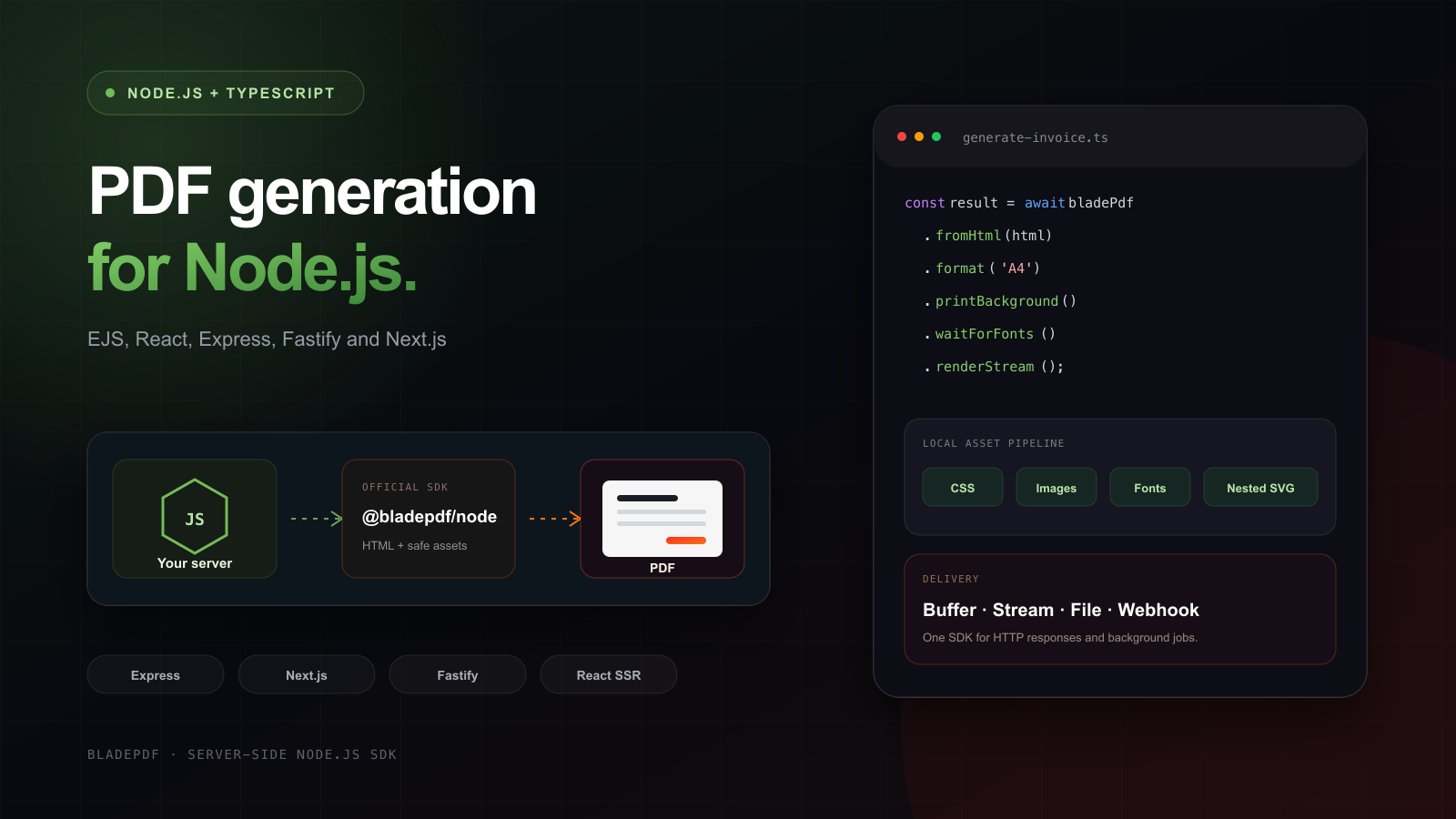
Generate PDFs in Node.js with BladePDF
Build an EJS invoice with local CSS and images, save the PDF, then return it from Express, Fastify or Next.js. Includes the runnable TypeScript project, its generated PDF and a React template example.
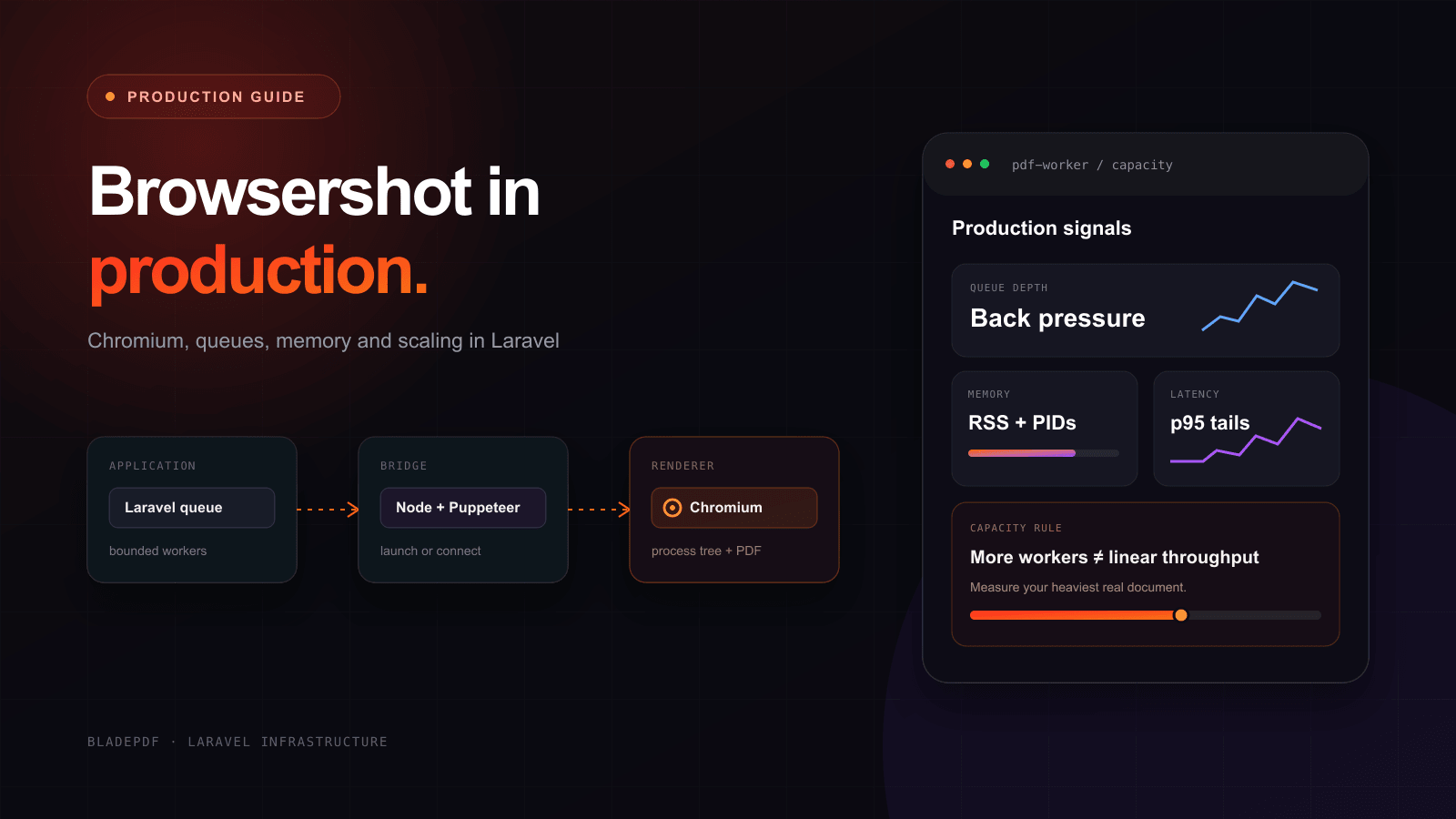
Laravel Browsershot in production
See what it takes to run Browsershot reliably in production—from Chromium and Docker to queue capacity, memory, assets, security, and persistent browsers.
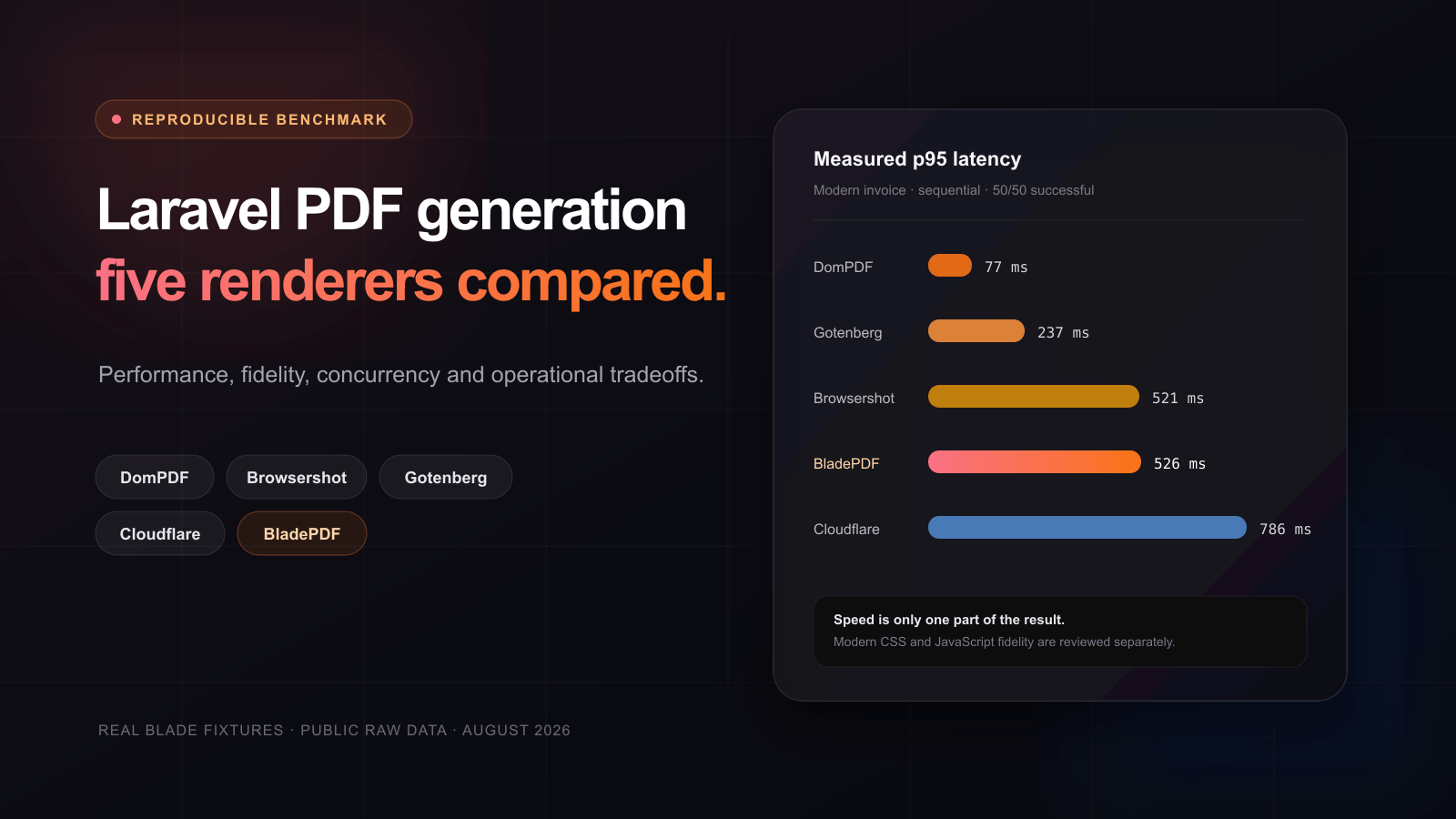
Laravel PDF benchmark: five renderers compared
See how five Laravel PDF renderers handle real Blade invoices, modern CSS, JavaScript, local assets, concurrency, memory and operational ownership.
Send HTML from Node.js. Let BladePDF operate the browser.
Keep EJS, React, Handlebars or your current HTML. The official Node.js SDK returns a Buffer, stream, file or stored background result without shipping Chrome in your application.
Was this article helpful?
Your answer helps shape future technical guides.