How to Generate PDFs from Laravel Blade Without Running Chromium
Build a production-ready invoice from an existing Blade view, understand how local assets reach the renderer, and decide when managed Chromium is the right tradeoff.
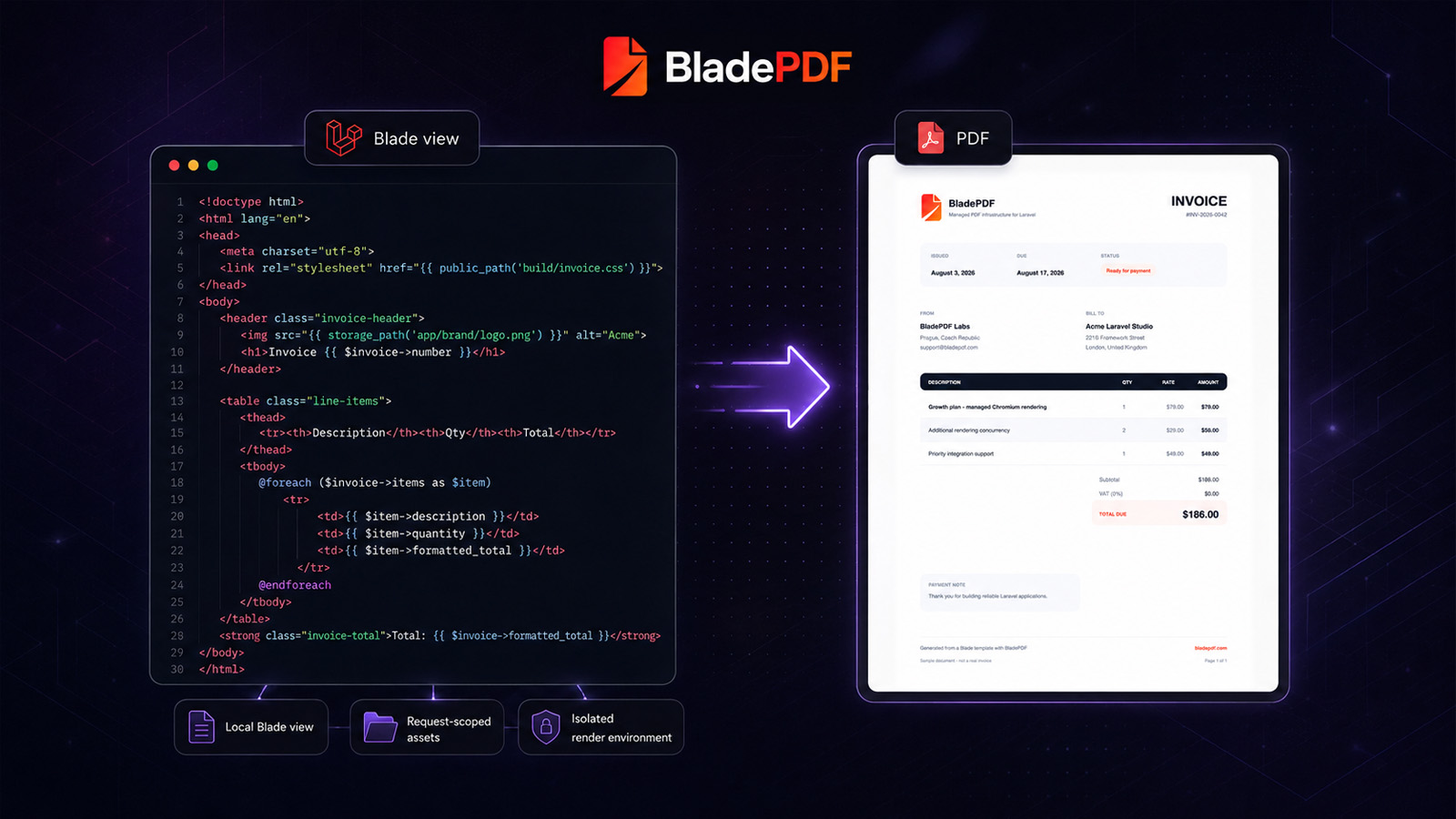
Render your existing Blade views with images, fonts, and CSS handled automatically—without installing Chromium, Node.js, Docker, browser workers, or exposing private assets.
1  use BladePDF\Laravel\Facades\BladePDF;
2
3  public function download(Invoice $invoice)
4  {
5      return BladePDF::fromView('invoices.template', [
6          'invoice' => $invoice,
7          'company' => Auth::user()->company,
8      ])
9      ->format('A4')
10     ->withHeader('partials.header')
11     ->withFooter('partials.footer')
12     ->showBackground()
13     ->render()
14     ->response('invoice-' . $invoice->number . '.pdf');
15 }fromView()
Render normal view names with the application data you already pass from Laravel.
public/ + storage/
Resolve local CSS, images, fonts, JavaScript, SVG, and nested stylesheet dependencies.
response() + download()
Return inline responses or Unicode-safe downloads directly from controllers.
storePdf()->async()
Submit stored background renders and handle completion through signed events.
A browser that works on a laptop becomes an infrastructure problem in production. BladePDF runs that layer so your application only has to render Blade.
One integration for every document your Laravel app ships
Your Laravel app renders the view. BladePDF operates the Chromium, asset transfer, queue, security controls, storage, and delivery around it.
Generate browser-quality PDFs without installing, patching, monitoring, or restarting Chromium on your application servers.
Reuse the invoices, reports, certificates, and exports already in your codebase instead of adopting another template system.
Local images, CSS, and fonts are uploaded and rewritten for each render. Nothing needs a public URL. See the asset pipeline →
Each job receives a fresh browser context with network request controls, hard timeouts, and memory limits applied by the rendering service.
Short bursts wait in a plan-sized queue. Add concurrency when you need more PDFs rendering at once, not when you cross a document quota.
Render from controllers, services, or jobs, then download, stream, save, or return the PDF with familiar Laravel response helpers.
Save drafts and publish centralized document templates, then ship layout changes instantly without redeploying your Laravel application. See cloud workflows →
Keep selected outputs for re-download, delivery, and audit workflows, with request metadata and signed download URLs attached.
Receive HMAC-signed pdf.rendered and pdf.failed events with retries and a delivery log.
HTML, context data, request-scoped assets, and non-stored PDFs are deleted right after the render finishes. PDFs are retained only when you explicitly enable storage. Read the data-retention details.
Use {{ asset('...') }},
{{ url('...') }}, or absolute paths in Blade.
BladePDF discovers referenced images, CSS, and fonts, uploads them for the request, and rewrites their URLs before rendering. No public CDN or manual asset bundle required.
1  <html>
2    <head>
3      <link rel="stylesheet" href="{{ asset('css/invoice.css') }}" />
4      <link rel="stylesheet" href="https://cdn.example.com/pdf/base.css" />
5    </head>
6    <body>
7      <header class="invoice-header">
8        <img src="{{ asset('img/logo.svg') }}" />
9        <h1>{{ $invoice->number }}</h1>
10       <img src="{{ url('storage/qrcodes/' . $invoice->id . '.png') }}" />
11     </header>
12
13     <main>
14       @foreach($invoice->items as $item)
15         @include('invoices.line-item', ['item' => $item])
16       @endforeach
17     </main>
18
19     <style> @font-face { src: url('/fonts/Inter.woff2'); } </style>
20   </body>
21 </html>Parse Blade output for asset references like asset(), url(), inline @font-face url(), and absolute paths.
Referenced files are uploaded from your app for the current render request so CSS, images, and fonts are reachable by the PDF engine.
Every reference is resolved before rendering so fonts, images, and styles are available when PDF generation starts.
asset() and url()Keep local views in Laravel, or centralize reusable document templates in BladePDF. Publish design changes without a deploy, retain selected outputs, and continue workflows through signed events.
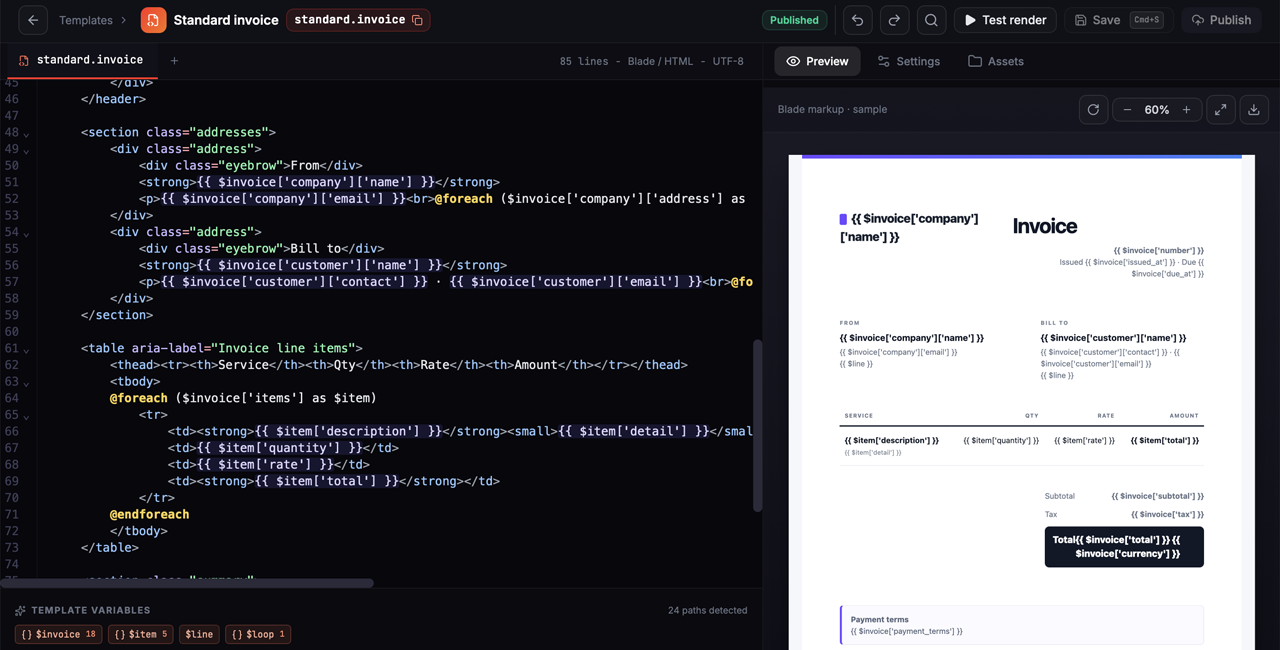
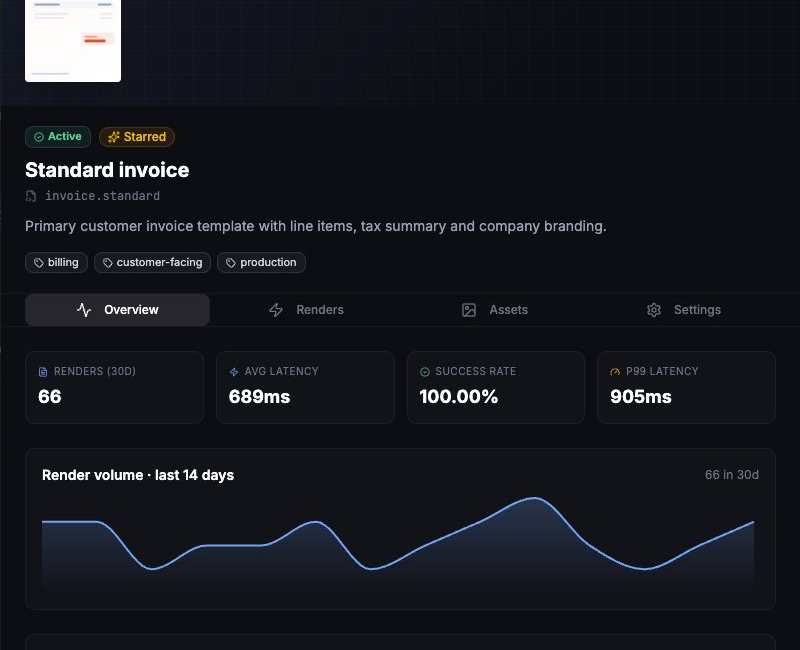
// Rendered from a template you manage in BladePDF
$result = BladePDF::fromTemplate('invoice.standard', [
    'invoice' => $invoice->toArray(),
])
    ->reference($invoice->uuid)
    ->storePdf()
    ->render();

$url = $result->storedPdfUrl();Separate drafts from the published version, reuse layouts across applications, and deploy a document update instantly without shipping Laravel code.
Upload logos, fonts, and CSS once and reference them with asset:///logo.png. Swap per-tenant assets at render time with overrideAsset().
Subscribe to pdf.rendered and pdf.failed. Every delivery is HMAC-signed, retried on failure, and visible in a delivery log.
Add storePdf() when you need re-download, delivery, or an exact audit copy. Retrieve it through a signed URL or an async webhook payload.
Templates and hosted assets live in your workspace storage. Paid plans scale up as your document library grows.
Three steps replace a browser installation, a worker fleet, and a custom asset-delivery path.
Add the Laravel integration and an API key. No Node.js, Chromium, or Docker image joins your deployment.
Keep normal Blade data, components, CSS, local images, and fonts inside your Laravel project.
BladePDF resolves assets, runs the isolated browser job, and returns, stores, or delivers the finished PDF.
Pick a template type to see how BladePDF handles real-world documents. Switch between Blade source and the rendered PDF instantly.
| Item | Qty | Total |
|---|---|---|
| SaaS License | 1 | $299 |
| Support Plan | 1 | $99 |
| Setup | 1 | $150 |
| Training | 4h | $400 |
BladePDF is Laravel-first. When a PHP or Node.js service owns the HTML, use the same managed rendering platform through an official SDK or the REST API.
Framework-agnostic rendering, secure local assets, fluent PDF options, and asynchronous delivery.
Explore the PHP SDKTyped rendering with Buffer, streams, atomic file delivery, and automatic local asset discovery.
Explore the Node.js SDKSend multipart render requests from any server-side language without adopting an SDK.
Read the REST API docsStart with a Laravel invoice, build a Node.js PDF pipeline, or troubleshoot Browsershot in production. Each guide includes code and deployment details.
Build a production-ready invoice from an existing Blade view, understand how local assets reach the renderer, and decide when managed Chromium is the right tradeoff.
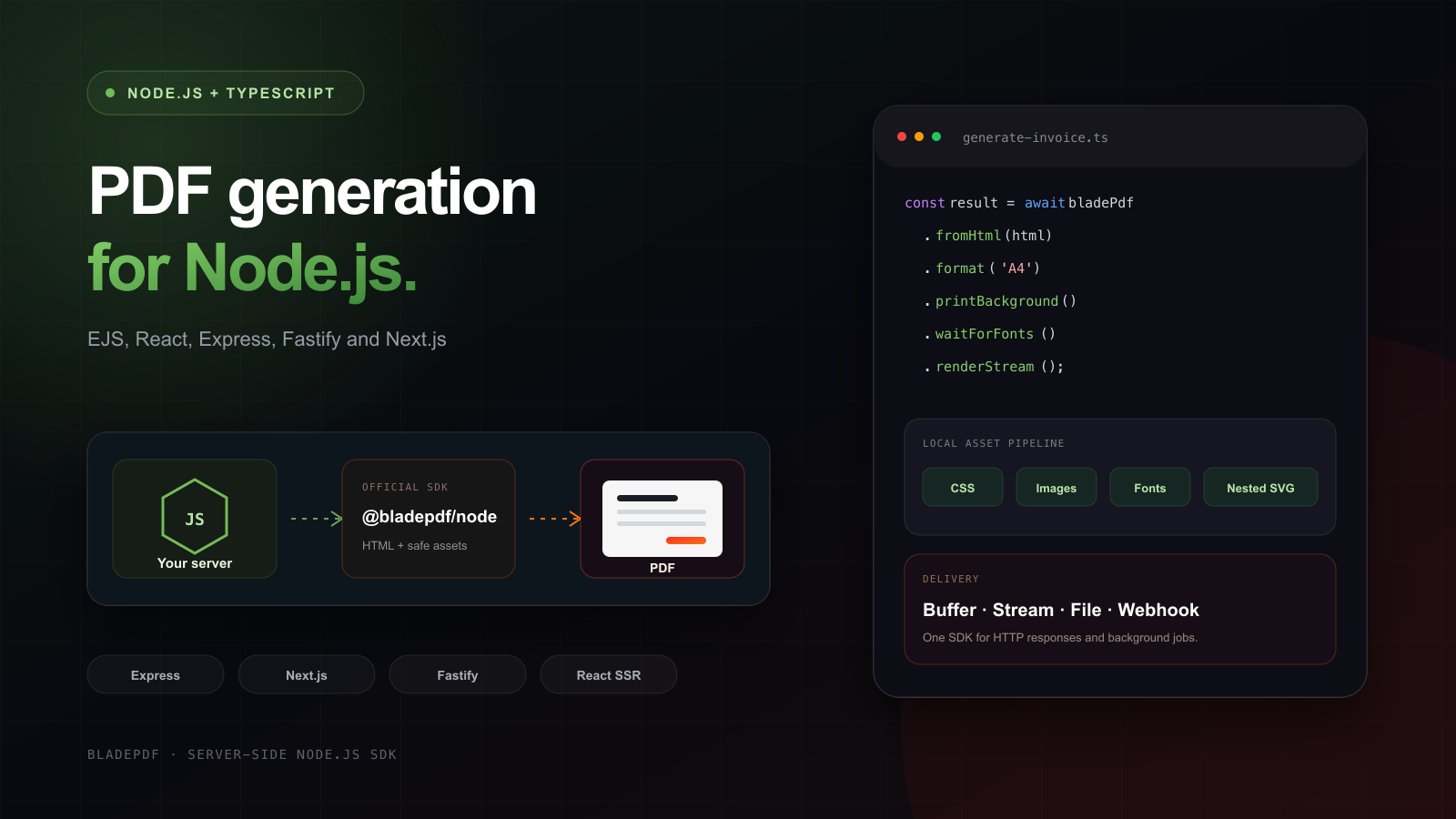
Build an EJS invoice with local CSS and images, save the PDF, then return it from Express, Fastify or Next.js. Includes the runnable TypeScript project, its generated PDF and a React template example.
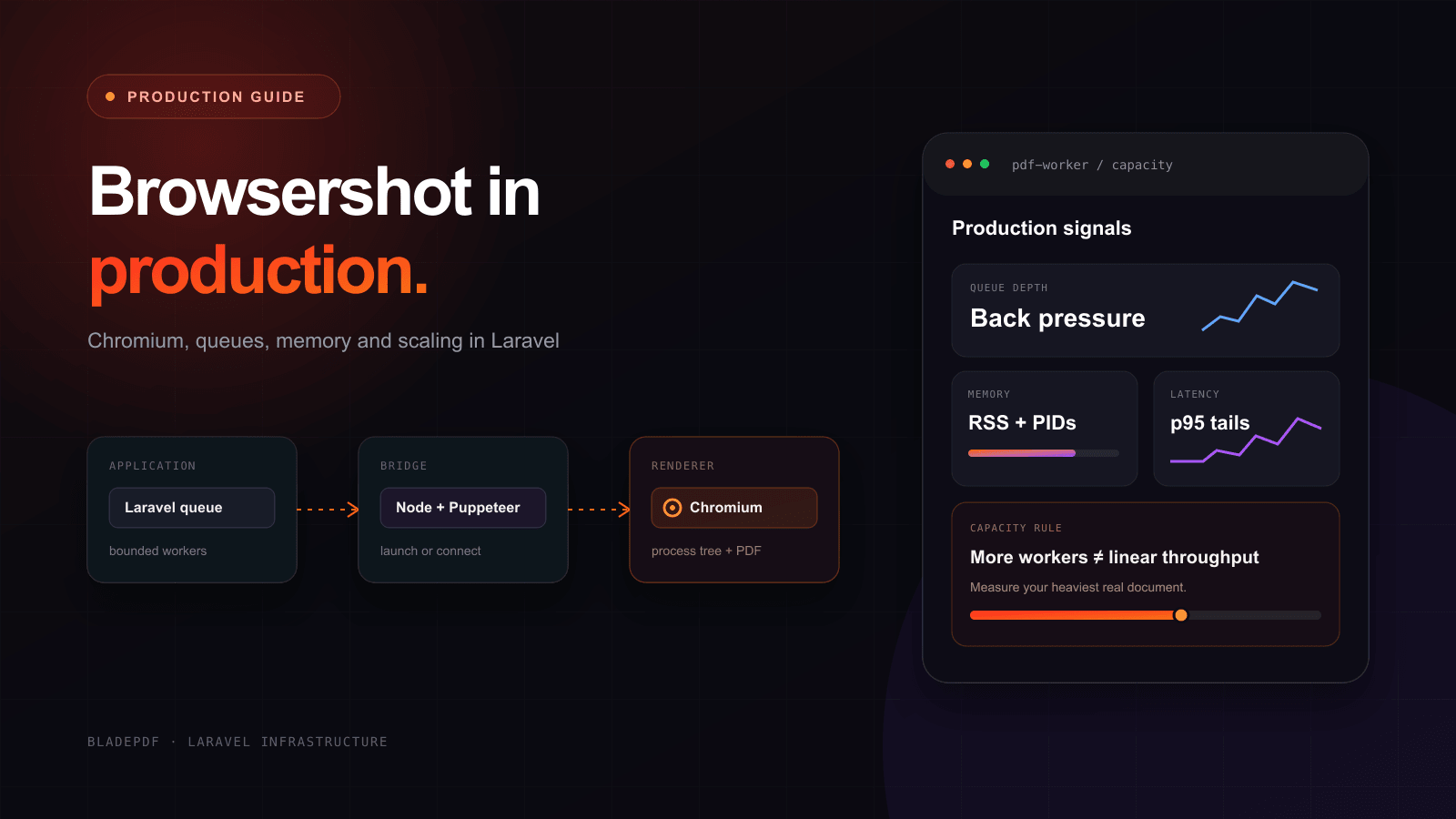
See what it takes to run Browsershot reliably in production—from Chromium and Docker to queue capacity, memory, assets, security, and persistent browsers.
Paid plans include unlimited generations within fair use. Choose how many PDFs can render at the same time, then let the managed queue absorb short bursts.
Concurrency is the number of PDFs that can render at the same time. Add slots when simultaneous workloads need more throughput.
When every slot is busy, requests wait in your plan's managed queue and start as soon as capacity becomes available.
On paid plans, a large report does not consume a larger generation allowance than a one-page invoice. Normal size, time, storage, and bandwidth limits still apply.
Prove the managed workflow inside a real Laravel app before moving production volume.
Start FreeFor production apps with a steady PDF workload and occasional queued bursts.
Get API KeyFor SaaS products that need several PDFs rendering at the same time.
Choose GrowthFor busy Laravel applications with sustained parallel generation and larger bursts.
Choose ScaleStandard payload, bandwidth, queue and render-time limits apply to paid plans. View all plan limits.
Browsershot, Puppeteer, and Playwright give you browser control. BladePDF is for teams that want the Blade workflow without operating the browser platform behind it.
fromTemplate('invoice.standard', $context)->render(). Because the published version lives in BladePDF, you can update a document's design without shipping a code deploy. You can still keep rendering local views with fromView() whenever you prefer.asset:///. Every plan includes dedicated storage for your templates and assets — 100 MB on Free, and 5 GB, 15 GB, or 50 GB on paid plans. You can also override a stored asset for a single render with overrideAsset(), which is handy for per-tenant logos.webhook(). BladePDF sends signed pdf.rendered and pdf.failed events, verifies them with an HMAC signature, retries failed deliveries, and records every attempt in a delivery log.Move Chromium, local asset transfer, queues, capacity, storage, and async delivery out of your Laravel deployment.